
Area Alarm Panel
Brand - Silbermann, LLC
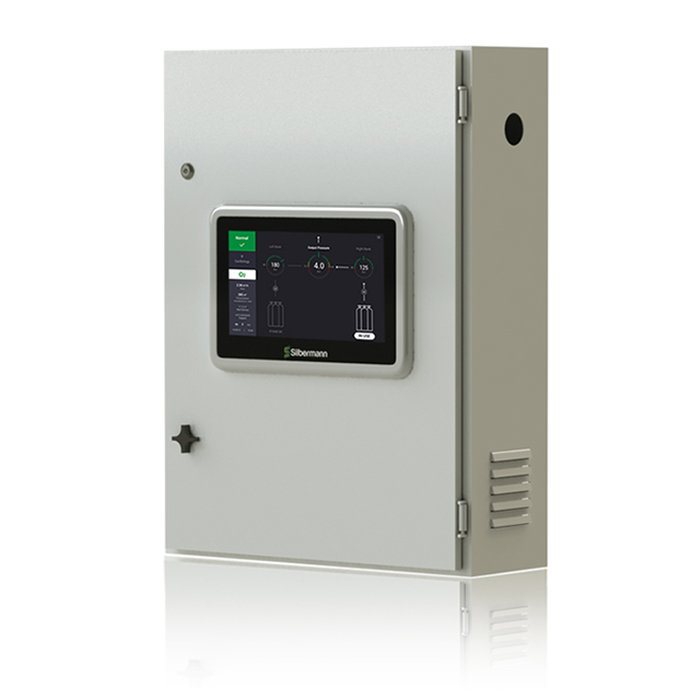
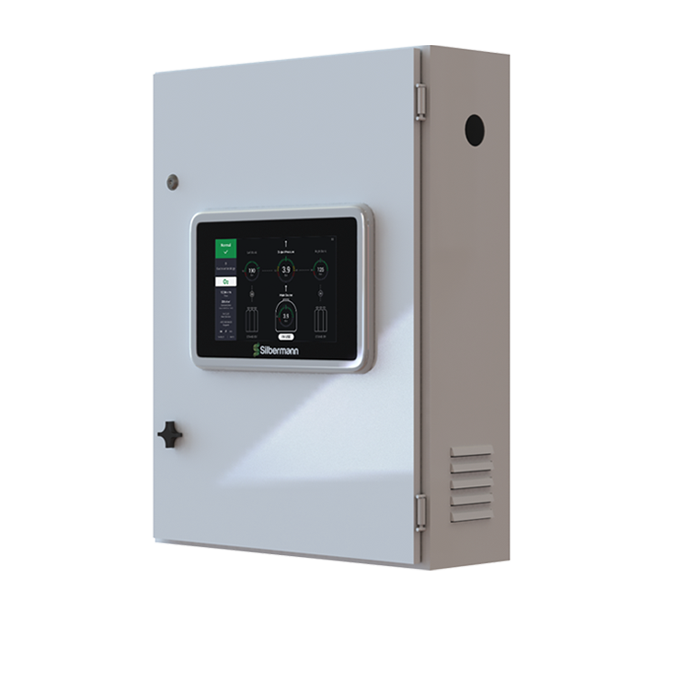
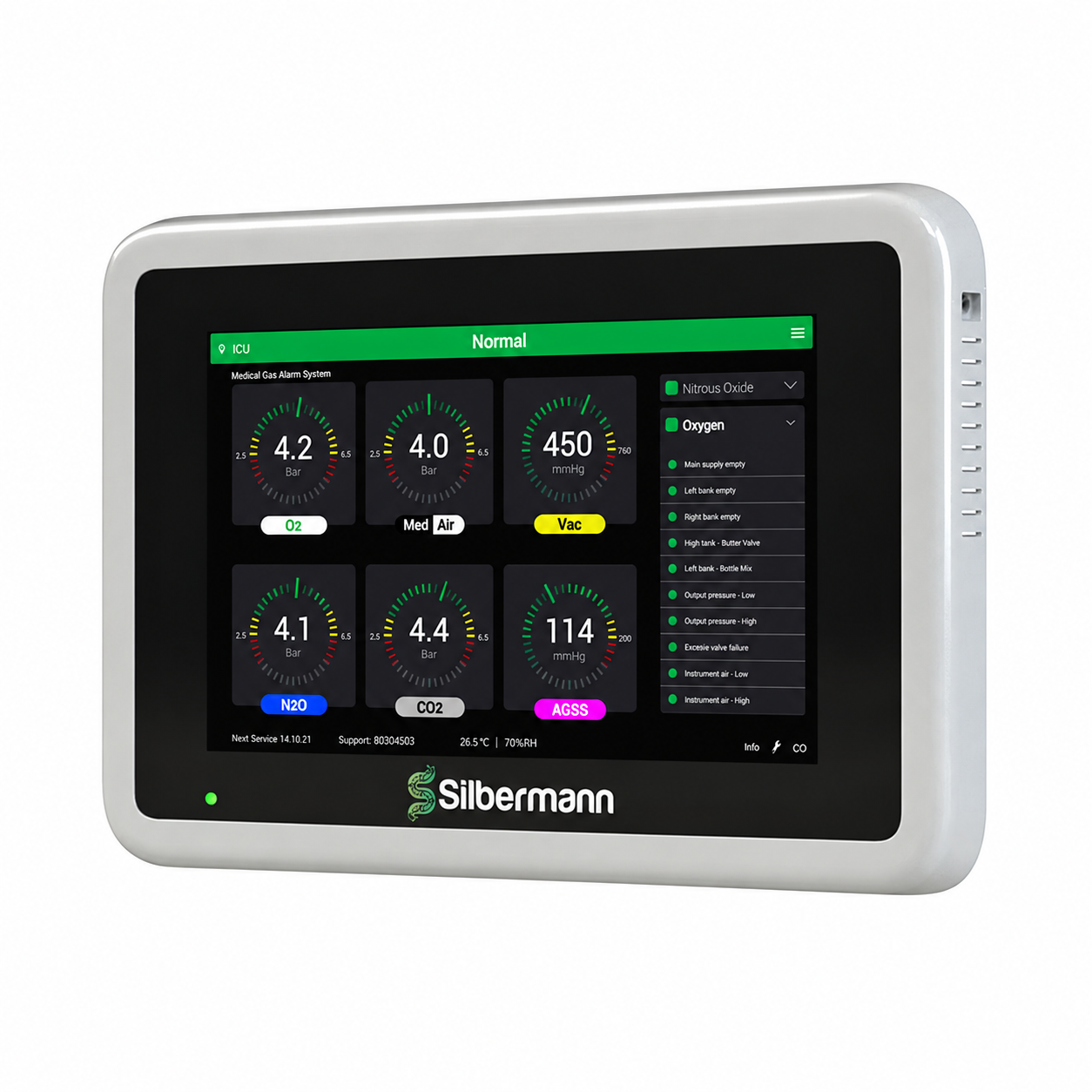
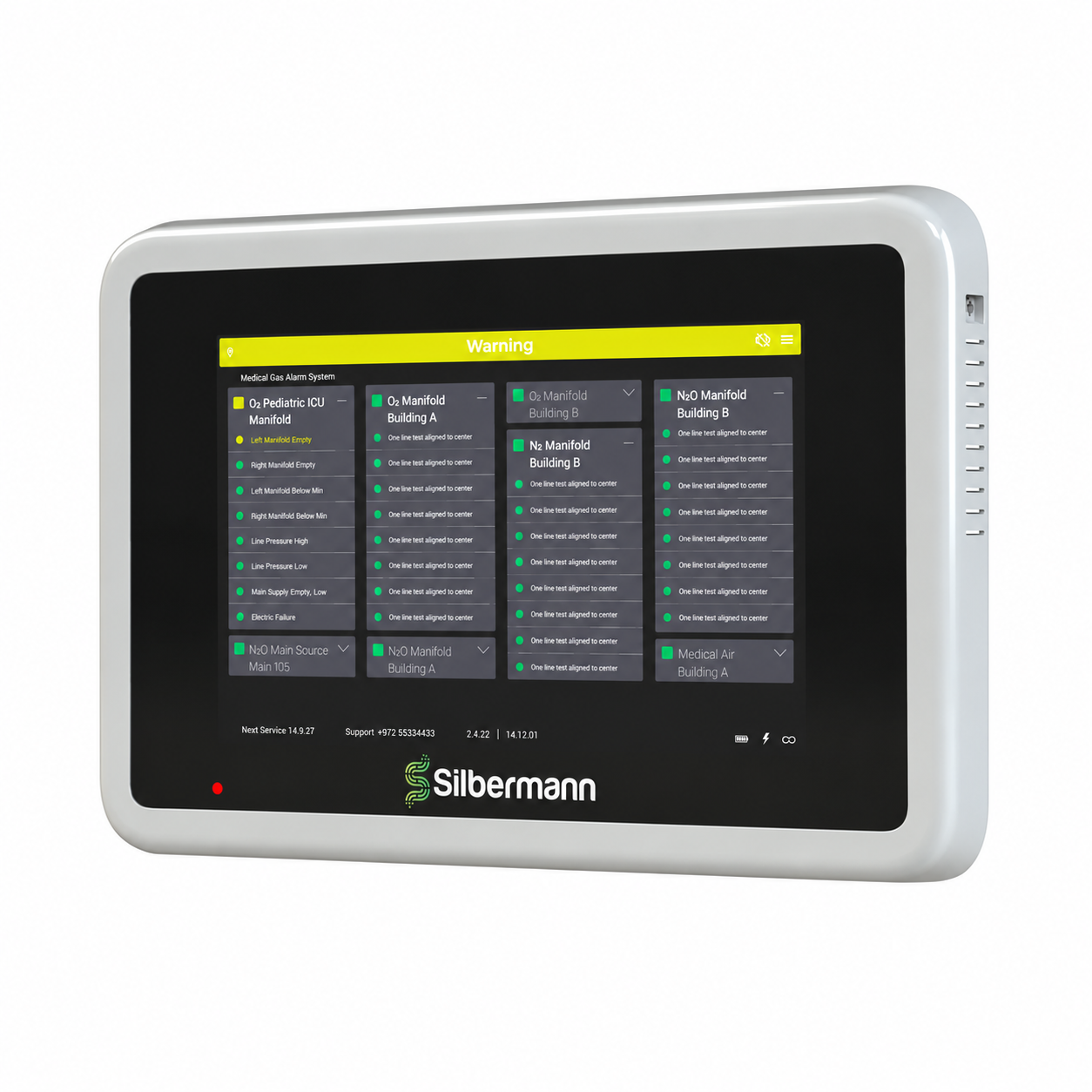
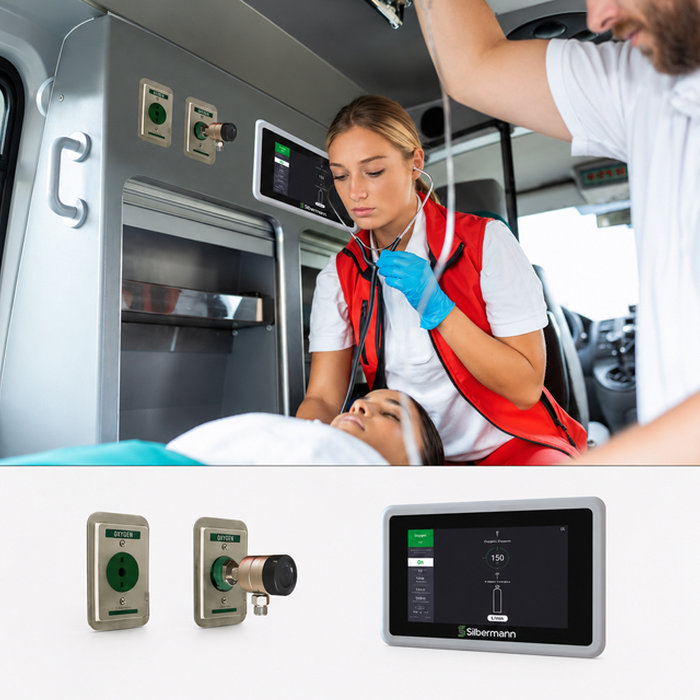
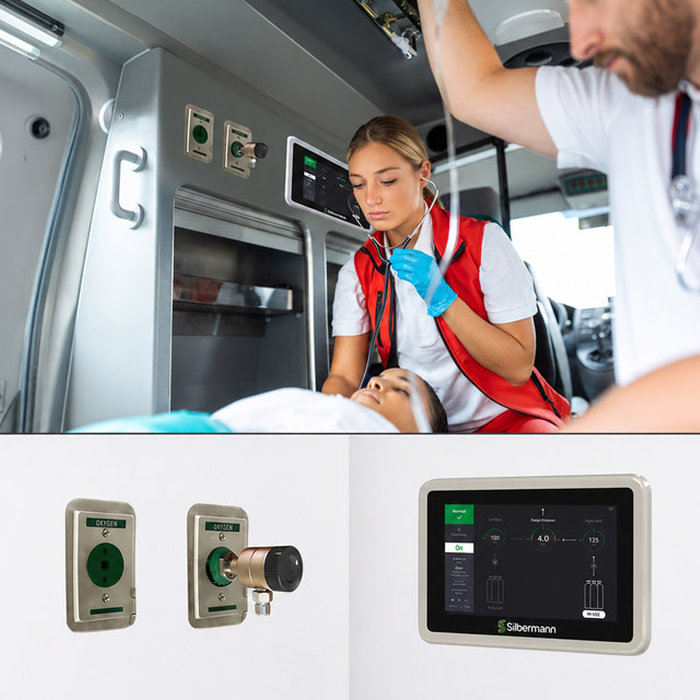
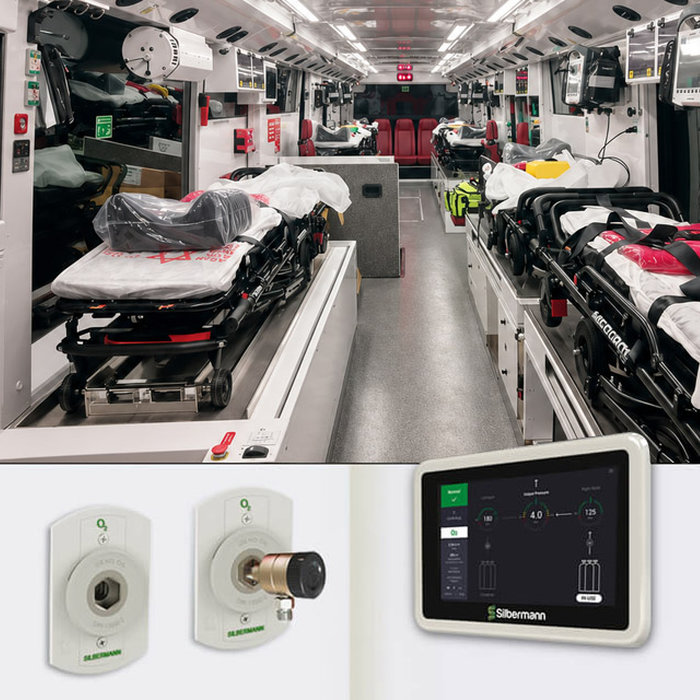
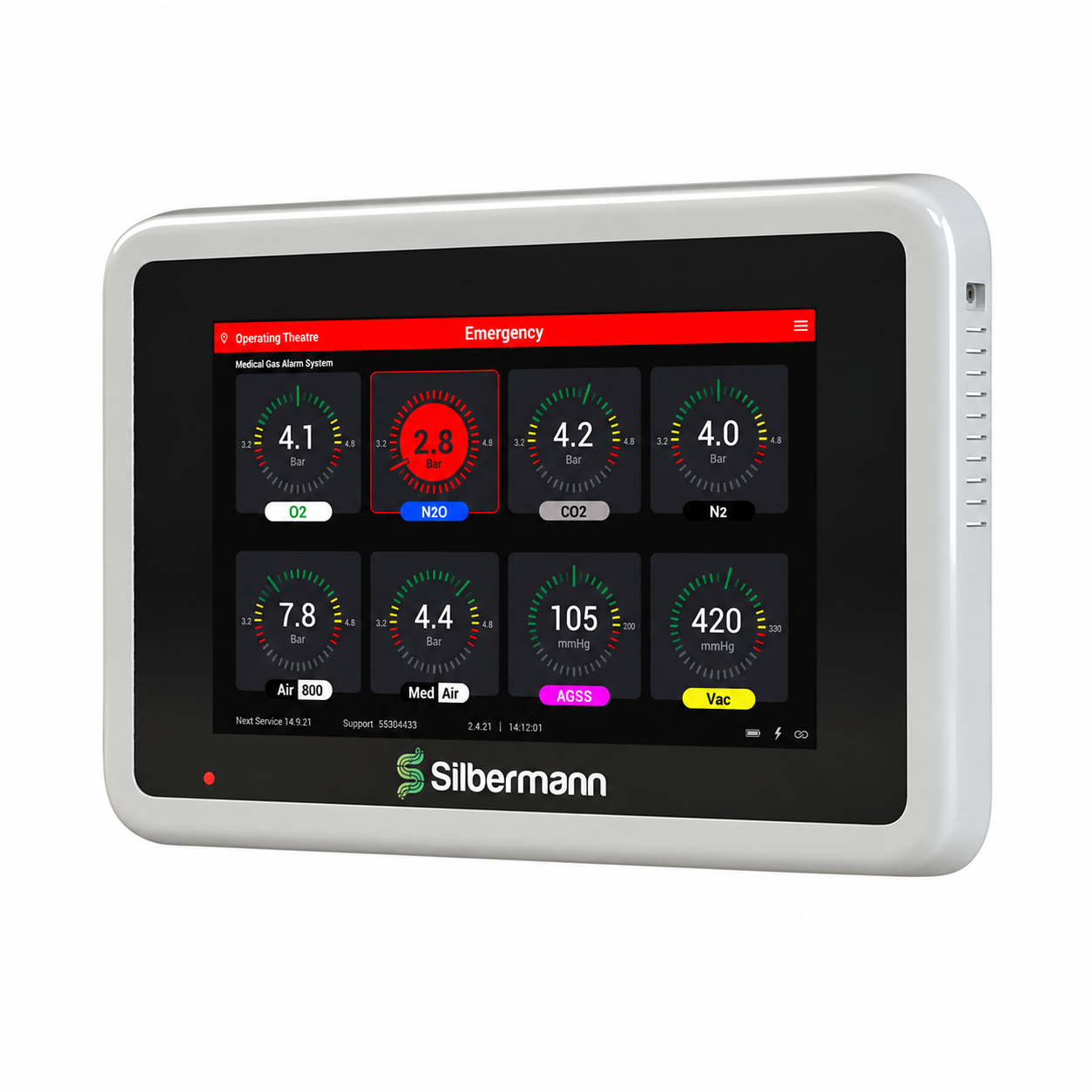
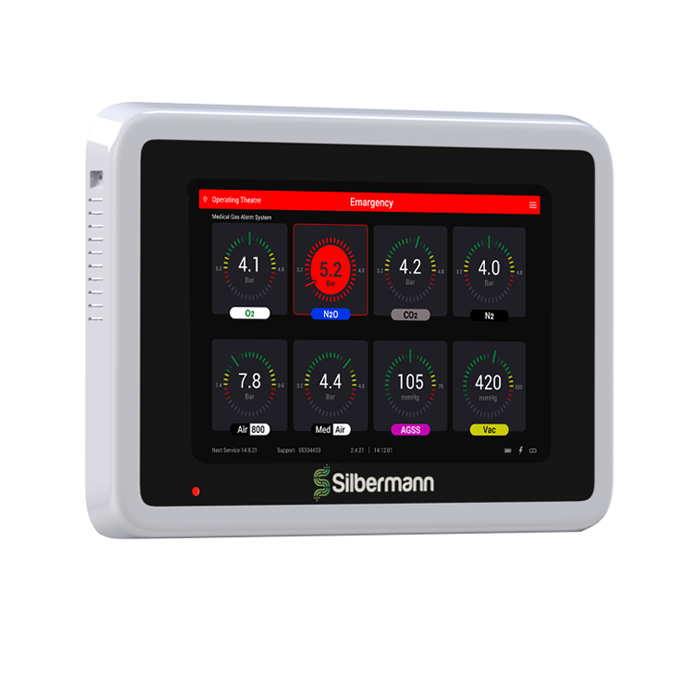
Silbermann’s Xanadu Medical Gas Area Alarm Panel monitors gas supply pressure levels and displays this medical gas information for a specific hospital zone or ward on a 12″ touchscreen panel.
It supports up to 10 medical gas services, including oxygen, medical air, nitrous oxide, vacuum, and others, with visual and audible alarms triggered whenever pressure levels fall outside the configured limits.
Secure network communication and unit authentication help protect alarm information displayed and transmitted across the system.
The Area Alarm Panel integrates with building management and remote monitoring systems through supported communication protocols.
Complies with the applicable requirements of NFPA 99, EN ISO 7396-1, and HTM 02-01.
- LCD 12” touch screen display.
- Display of 1-10 gas alarms on screen.
- Aesthetics & smooth design without buttons for infection control.
- Secured Ethernet-based network communication between all units.
- Unique secured authentication of each unit to avoid fake/masking of alarms.
- Remote viewing through a remote computer.
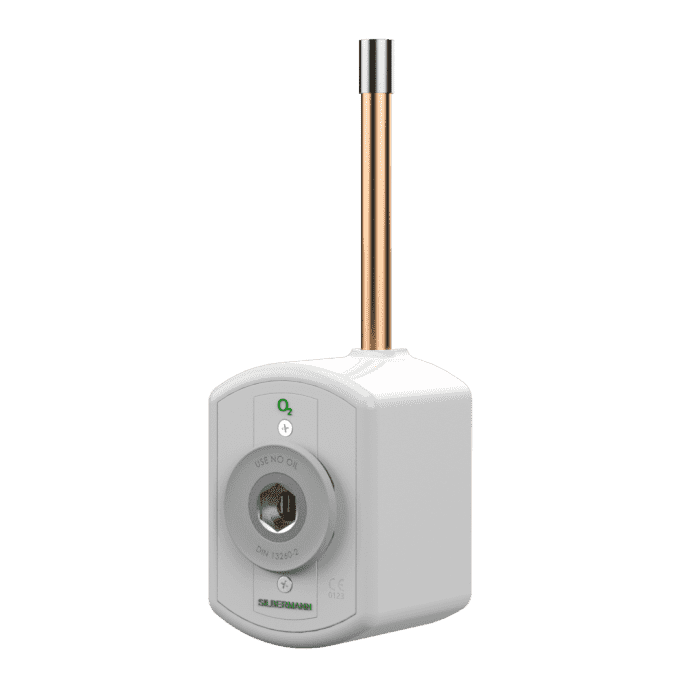
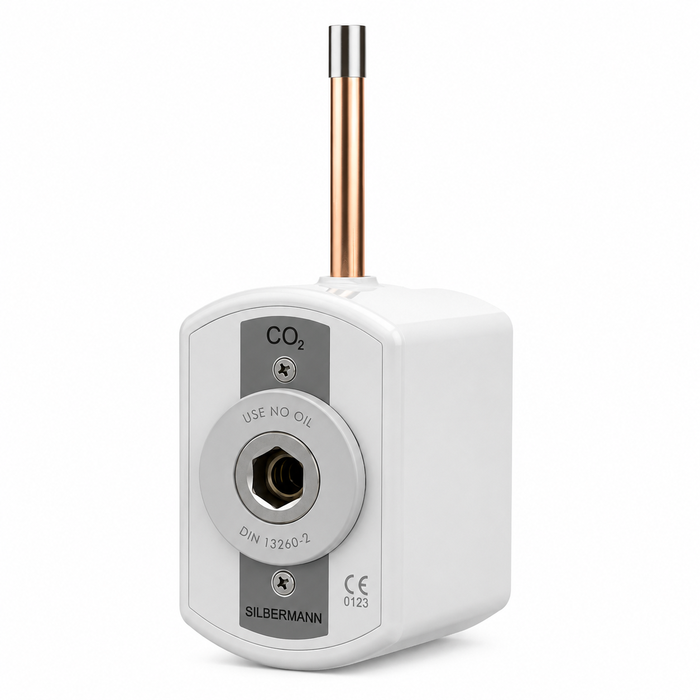
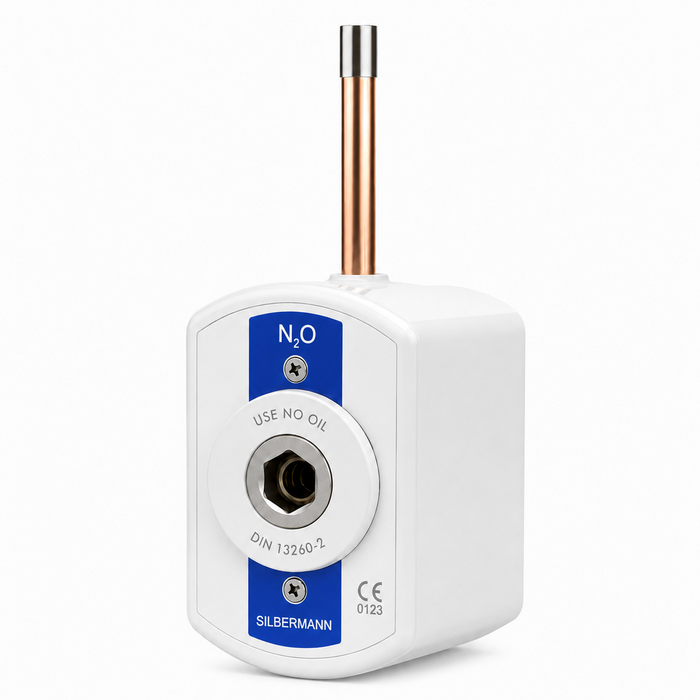
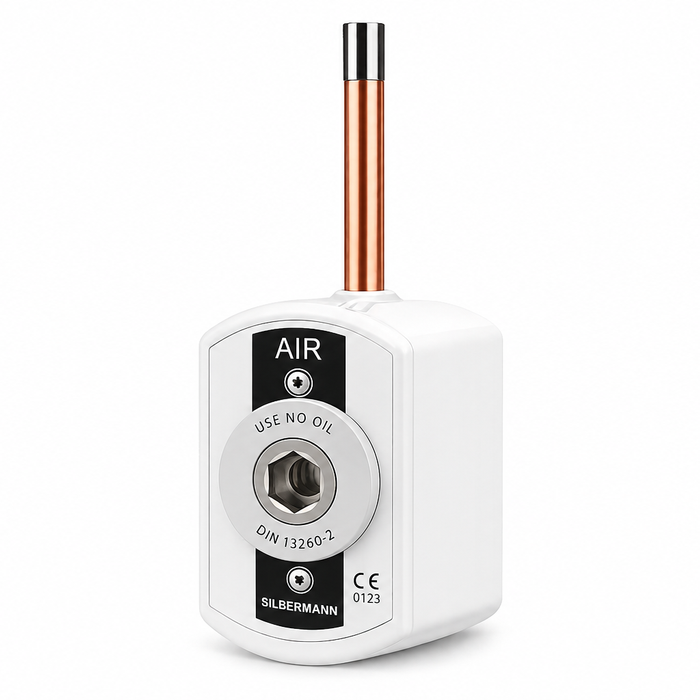
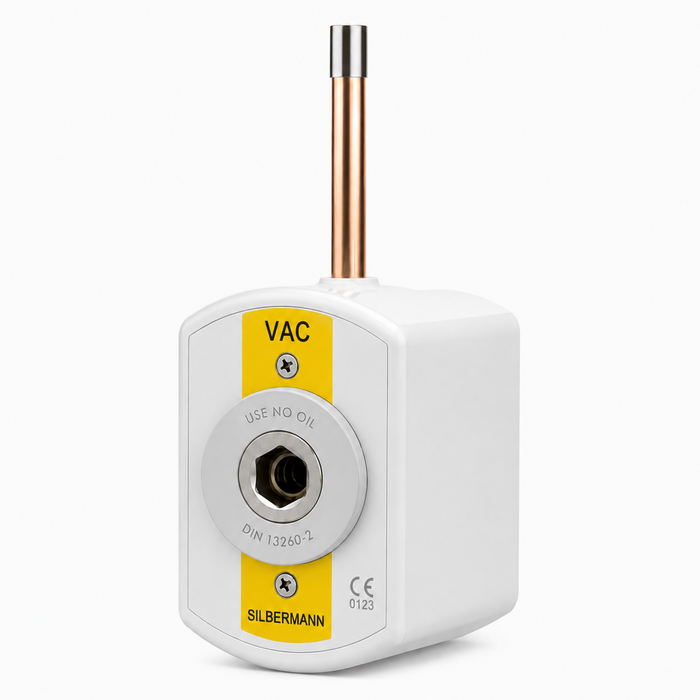
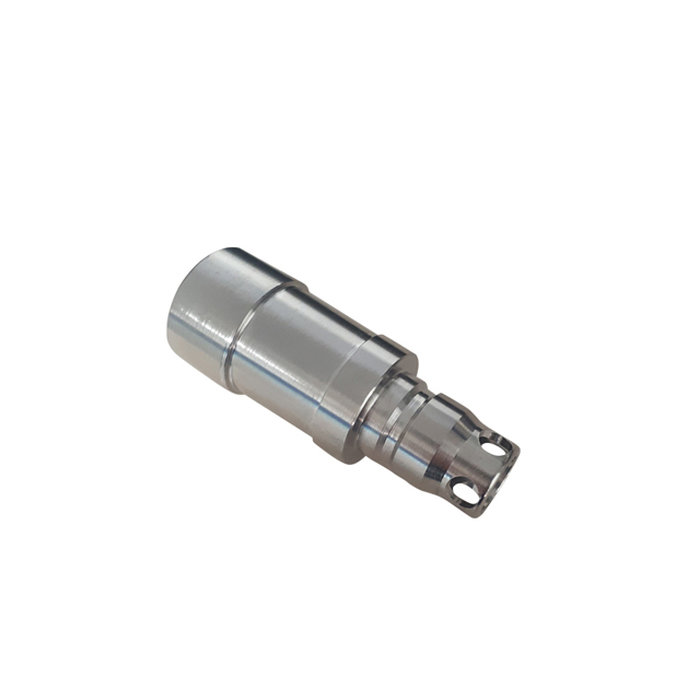
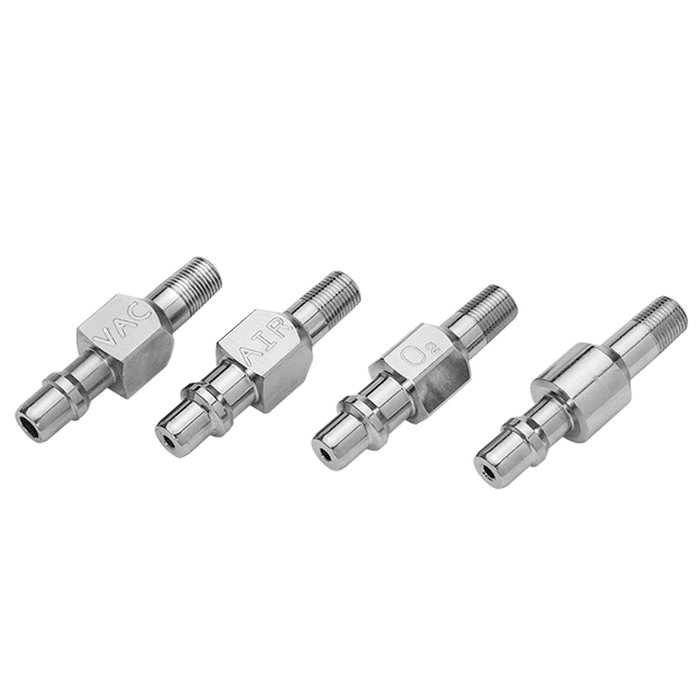
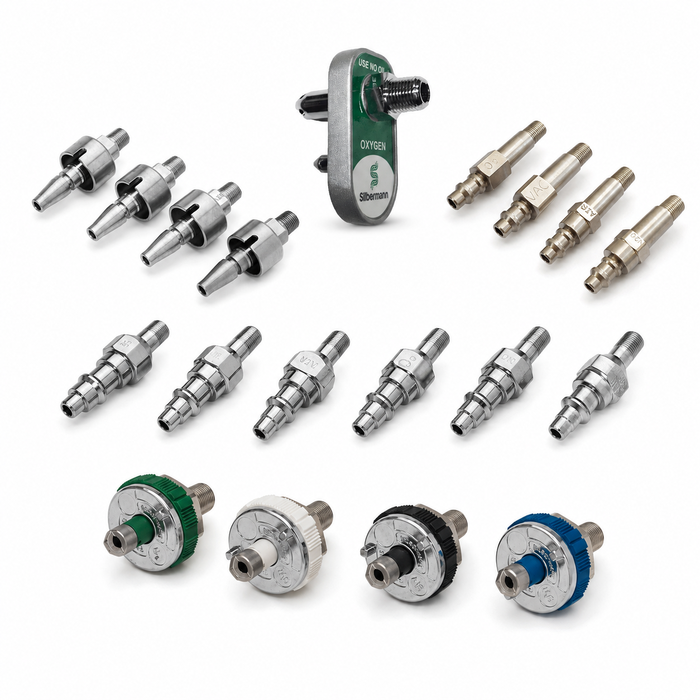
- Gas-specific sensor with DISS nut and nipple to avoid a mechanical cross-connection.
- For Future Use- disables a gas alarm until the gas pipeline infrastructure is complete.
- Multi-linguistic- Available in English, Spanish, Russian, Arabic & Chinese.
- Commissioning- Enables to identify gas leaks before the commission.
- A color trend arc showing the gas pressure status.
- Automatic adjustment of screen brightness (day & night mode).
- Self-diagnostics with error display for problem identification.
- Event logging, recording all alarms and panel activities.
- Periodical maintenance alert.
- Customizable text for panel location.
- Highly accurate solid-state pressure piezo-resistive transducer.
- Hinged panel opening for easy installation and maintenance.
- On-site adjustment of HI and LOW set points for each Gas & gas unit.
- Built-in relay for remote annunciator applications.
- Gas-specific digital sensors mounted locally or remotely, up to 1500m, utilizing a 12 gauge twisted pair.
- Wifi communication is available.
- Remote monitoring (Via TCP/IP Modbus) through the building management system is available.
- Applicable Standards:
- Medical Gas Systems: NFPA99, EN ISO 7396-1 & HTM02-01 requirements.
The digital 12” touchscreen area alarm system shall be of Silbermann’s type.
The alarm Panel shall be capable of accommodating up to ten services. The sensors shall be capable of local or remote mounting.
Customizable language and gas badges (ISO/NFPA colors) during the setup process.
Each transducer shall be electronically gas-specific to avoid wiring cross-connection.
Each gas service shall have a unique display indicating the online measured pressure/vacuum.
Each gas service shall have a trend bar for showing the pressure trend. (Green – Normal, Yellow – Caution, Red – Hi or Low). In the case of an alarm, the red light will flash and the alarm will sound. Canceling the alarm by the mute button will stop the audible alarm but the red light will continue to flash until the failure is fixed.
TEST & SILENCE touch buttons shall be easily accessed to operate and test the unit.
Adjustable repeat alarm (15 or OFF. Also 15 seconds for convenient maintenance).
Selected gas pressure units: PSI, kPa, or BAR.
Selected vacuum pressure units: kPa, mmHg cmHg.
Alarm buzzer level adjustable: 70,80,90 dB.
Adjustable Hi and Low set points (+/-20% of normal pressure).
Input power shall be 100VAC to 230VAC, 50÷60Hz.
Optional backup battery.